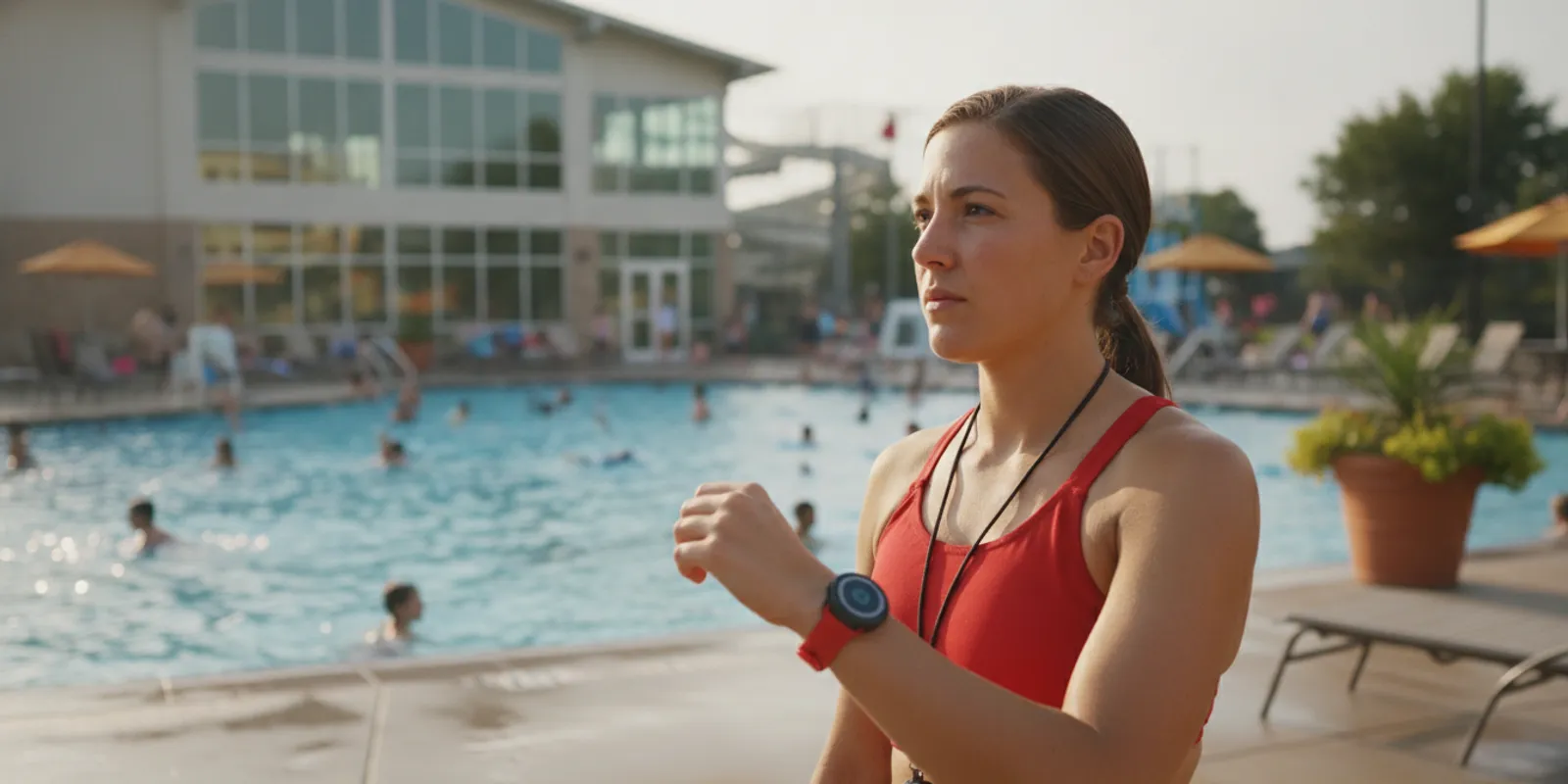
Swimmer monitoring system implementation is not only a question of which device to buy. Facility leaders also need to know whether lifeguard wearables fit daily routines, how alerts reach the right staff, and how equipment stays ready without creating a daily charging task. A multi-year battery can reduce one recurring operational burden, but it does not remove the need for a response plan, dependable handoffs, and routine checks.
For supervised aquatic facilities, the aim is an additional layer of protection that supports—not replaces—lifeguards. This guide shows how to define a use case, assess readiness and alert routing, train staff, and evaluate a phased rollout. The emphasis is practical: what should a director establish before the equipment becomes part of a normal shift?
What should swimmer monitoring system implementation solve?
A useful implementation connects a defined alert to a real response workflow. Before comparing devices, decide which event matters, who receives the alert, what that person does next, and how the team checks readiness. A clear operational purpose lets a facility test fit instead of relying on an impressive feature list.
Facilities often begin with product features. Start instead with the operational gap the system is meant to address. Is the team considering an added signal when a lifeguard enters the water? Does the facility want an alert for a potential prolonged submersion? Who needs to notice that signal when a pool is busy and noisy?
An alert has value only when it prompts understood action. Technology cannot replace scanning, adequate staffing, emergency action plans, or practiced rescue skills. It can add another signal for trained personnel, and that signal has to fit the facility’s staffing pattern, layout, and communication habits.
Write the intended use in plain language. For example: “When the system signals a defined event, the on-duty team receives a clear alert, follows the established emergency action plan, and documents the response.” This gives managers, lifeguards, and a provider a shared standard for evaluating the proposed arrangement.
Map the setting and users
List the areas in scope: lap lanes, instructional zones, leisure pools, or supervised natural-water sites. Note visibility conditions, noise, crowded periods, staff positions, and locations where a responder may be out of direct sight. Include the people who will wear or monitor devices, not only the person approving procurement.
Distinguish user roles. Swimmer wearables and lifeguard tags serve different purposes. A facility may consider AquaSense swimmer wearables for swimmers and lifeguard tags for staff, alongside the GUARDian Hub (w3000) and its alert workflow. Review the swimmer equipment overview early, then match the described equipment approach to the facility’s needs rather than assuming every location needs the same configuration.
Make a simple site inventory: each aquatic area, typical program, supervising roles, likely alert recipients, and any communication constraints. A lap pool during open swim may require a different handoff from a lesson program with instructors moving between zones. The inventory helps reveal assumptions before they become operating problems.
How do battery needs affect a lifeguard wearable program?
No daily charging removes a daily task, not the readiness obligation. Ask which device a battery-life statement covers, how status is checked, what replacement process applies, and how staff verify a wearable before a shift or activity.
Daily charging can create a recurring point of failure: a device may be left on a charger, forgotten during handoff, or unavailable when a shift starts. WAVE describes AquaSense swimmer wearables as having a multi-year battery and no daily recharging. That design can simplify routines, especially where equipment changes hands across shifts.
Do not treat a battery claim as a complete readiness plan. Confirm what device the statement applies to, the conditions under which it is measured, and the manufacturer’s recommended status checks. A long-life battery does not mean the wearable can be ignored. Establish an inspection schedule and assign an owner for monitoring and replacement steps.
Build checks around shift changes
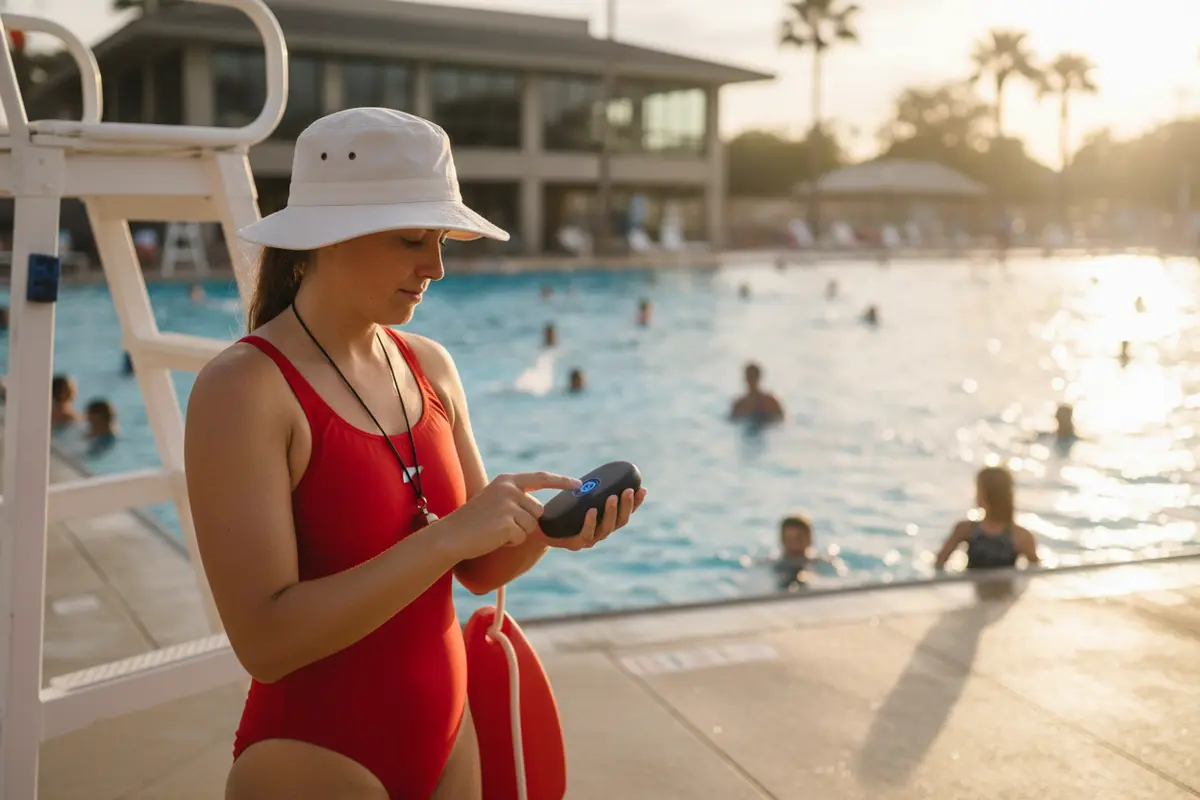
A short, repeatable check is often easier to sustain than an elaborate daily charging routine. The incoming lifeguard can confirm that the assigned wearable is present, secure, and showing the expected operating status. A supervisor can periodically review equipment condition and record exceptions using the facility’s existing process.
Keep the procedure specific to product instructions. Do not invent a button sequence or assume an indicator has a particular meaning. Onboarding materials should explain normal status, what to do when a device appears inactive, and whom to contact if it cannot promptly return to service.
Decide how staff handle wet equipment, cleaning, storage, and shared devices. These practical details affect whether a wearable is ready when needed. A written checklist should identify an owner and a reporting route, not merely say that equipment should be checked.
Consider a handoff at both ends of a shift. The outgoing guard reports a problem before leaving; the incoming guard confirms the assigned device and knows how to raise a concern. For a facility with several posts, supervisors can define whether devices stay with a person, a role, or a zone. Consistent assignment reduces uncertainty about who is expected to receive an alert.
Which implementation decisions should a facility compare?
Compare the operating model as carefully as the wearable. Fit depends on alert pathways, coverage needs, user roles, water conditions, deployment, and support after launch—not battery life alone. Ask for demonstrations and documented answers where a requirement is essential.
A municipal facility with several zones may need a different alert distribution plan from a small instructional pool or a camp program. Use a comparison table to identify unanswered questions, then bring the relevant staff into the evaluation. A decision matrix also prevents the loudest or newest feature from dominating discussion.
| Decision area | What to compare | Questions for the facility |
|---|---|---|
| Wearable readiness | Charging demands, status checks, assignment, storage | Can staff confirm readiness at handoff? Who handles a fault? |
| Alert delivery | Vibration, facility alerts, remote speakers or sirens, recipient roles | Who receives the signal, and how do they distinguish and acknowledge it? |
| Detection purpose | Supported event types and operating limitations | Which use cases matter, and what should staff do in response? |
| Environment | Water conditions, layout, visibility, and noise | Does the proposed approach suit each area in scope? |
| Deployment | Equipment placement, onboarding, disruption, and scaling | What must be set up, and can operations continue during deployment? |
| Ongoing support | Training, updates, service contact, and replacement | Who supports staff after onboarding, and how are issues escalated? |
For WAVE’s system, customer-facing materials describe a wearable, wireless approach and deployment without permanent construction. Its GUARDian system is positioned for supervised aquatic environments and can provide alerts to staff. Verify current capabilities and configuration directly during evaluation; a feature should not be assumed to apply to every bundle or site.
Facilities can review GUARDian Hub information and lifeguard alert equipment details to frame product questions. Compare the description with floor plans, staff responsibilities, and existing procedures. If a requirement is essential, ask for it to be demonstrated and documented rather than relying on a general description.
For another perspective on equipment categories, consult WAVE’s facility guide to swimming pool safety tools. Treat any overview as a starting point for questions, not a substitute for confirming the proposed setup at your own site.
How should teams plan the alert and response workflow?
Decide the human response before deployment. Name the primary recipient, backup, communication method, and escalation steps, then rehearse the process so staff understand how an alert fits the facility’s emergency action plan.
An alert is not a complete response. Staff need to understand what the signal means, where it is likely to appear, and which actions remain their responsibility. A written workflow reduces confusion when staff rotate or a signal occurs during a busy period.
Identify roles: Who watches the affected area? Who responds to a person in distress? Who maintains coverage elsewhere? Who contacts emergency services if needed, and who meets responders? The answers should align with the facility’s emergency action plan and staffing model. Never create a technology workflow that conflicts with established rescue procedures.
- Define the event. Confirm which event the system is designed to signal and which devices or staff receive it.
- Set the primary response. Specify who acts first and the immediate action required under facility procedures.
- Assign backup coverage. Identify who responds or maintains monitoring if the primary person is unavailable.
- Plan escalation. Clarify communication, additional help, and how staff follow the emergency action plan.
- Close the loop. Decide how staff confirm receipt, document an incident or system issue, and return equipment to service.
Walk through a concrete scenario. Suppose an alert reaches a lifeguard while another guard is covering an adjacent zone. The procedure should make clear who moves toward the signal, who maintains coverage, and how the supervisor is notified. If staff disagree during a tabletop exercise, revise the procedure before relying on it during live operations.
Test under realistic conditions. A quiet demonstration may not show whether staff notice an alert during a crowded session. Run a controlled exercise using the roles and communication channels expected in normal operations. Record what worked, what was unclear, and what should change. For general water-safety information, consult the Centers for Disease Control and Prevention; external information complements, but does not replace, local regulations, facility policy, product instructions, or professional training.
What should staff training and onboarding include?
Training should connect device operation to staff action. Each user needs to know how to use the assigned equipment, recognize an alert, respond within facility procedures, report a fault, and complete a handoff.
Product orientation is only one part of onboarding. Staff need practice with the whole process, including what happens before and after an alert. Include regular and substitute staff, seasonal hires, supervisors, and anyone expected to receive or act on a signal.
Use a short training checklist. Cover the system’s purpose and limits, device assignment, wear and fit, status checks, alert recognition, response roles, backup communications, fault reporting, and storage. Ask each person to explain the procedure in their own words. If someone cannot say who responds or how they communicate, the workflow needs more clarity.
Schedule a hands-on demonstration and scenario practice. Keep the exercise controlled and consistent with the emergency action plan. Afterwards, ask staff what they noticed, what they did, and where uncertainty arose. Use feedback to adjust instructions, positioning, or training rather than treating the first run as proof that the process is complete.
Training must survive staff turnover. Add the system to new-hire orientation, seasonal refreshers, and supervisor check-ins. Store current instructions where staff can access them. Assign a role—not just one individual—to own training materials and updates, so the process continues when personnel change.
A useful training record can be simple: date, roles attending, topics covered, scenario practiced, and follow-up items. Do not let paperwork become a proxy for competence. Supervisors should also observe whether staff can complete the handoff and describe the response pathway. When staffing patterns change, repeat the relevant practice rather than assuming an old roster’s training carries over.
How can facilities evaluate rollout and ongoing readiness?
A successful rollout is observable: equipment is assigned, staff can describe the response, alerts reach intended recipients during practice, and maintenance has an owner. Review these conditions regularly instead of assuming deployment equals readiness.
Plan a staged rollout rather than introducing a system everywhere without practice. Confirm inventory and locations, train a representative group, test the alert pathway, correct gaps, and expand only after the next group understands its roles. A phased approach gives operators a chance to identify issues while the scope is manageable.
Before a pilot, establish a baseline. Record staff roles on duty, how the emergency action plan handles the relevant scenario, and which communication methods are available. This helps distinguish a technology issue from an unclear assignment or communication gap. It also prevents a pilot from becoming an informal demonstration with no criteria for success.
Set practical acceptance criteria with users. For example, require each assigned staff member to identify their wearable, explain the alert response, and complete the readiness check. The facility may also require that a test reaches intended recipients, backup coverage is available, and known limitations are recorded. Criteria should be specific enough to review without implying a guaranteed outcome.
During the pilot, capture observations across shifts and operating periods. A process that works during a quiet morning may need adjustment during a crowded lesson or shift handoff. Ask whether the signal was noticeable, its meaning was clear, and staff knew what to do. Collect feedback soon after the exercise and assign an owner to every open question.
Make a go/no-go decision before expanding. If recipients were uncertain, revise the workflow and practice again. If device assignment or storage caused confusion, correct those steps before adding users. Once the process is stable, document the approved configuration and review date. This is a measured operational change, not a replacement for established supervision.
Track internal readiness measures that help managers improve the process: whether shift checks were completed, whether training is current, whether test alerts reached intended recipients, and how promptly equipment issues were reported and resolved. These are operational indicators, not promises of a particular safety outcome.
Use an issue log to capture missed signals, unclear instructions, device problems, and workflow changes. Include the date, setting, roles involved, action taken, and follow-up owner. Review the log with supervisors and the provider as appropriate. If layout, staffing, or program schedules change, revisit the alert workflow.
WAVE’s product information and frequently asked questions can help generate questions for a product discussion. Ask how onboarding works, what help is available after deployment, and how service issues are communicated. Keep answers in writing so the team can apply them consistently.
What should directors ask before choosing a system?
Ask for specific, verifiable answers tied to your site. A useful evaluation clarifies device roles, event coverage, readiness checks, response routing, deployment, training, service, and limitations.
A provider conversation should be grounded in the facility’s intended use, not broad promises. Share operational realities and ask how the proposed setup addresses them. If the system will be used in more than one aquatic area, discuss each area separately and distinguish requirements from preferences.
- Which devices are intended for lifeguards, swimmers, or other staff, and how are they assigned?
- What event types can the system signal, and what limitations should staff understand?
- How does an alert reach expected responders, and can we test that route?
- What readiness checks are recommended when devices do not need daily charging?
- What onboarding and refresher training are available, and who can attend?
- What deployment steps are needed, and what operational disruption should we plan for?
- How are system status, maintenance needs, and support requests handled?
- Which procedures remain entirely the responsibility of trained staff and the emergency action plan?
Ask for a demonstration with the actual roles who will use the system. A director, procurement lead, lifeguard supervisor, and frontline lifeguard may notice different practical issues. Invite those perspectives early, document requirements, and record whether each one was demonstrated, explained, or left unresolved. This makes comparisons fairer and gives leadership a transparent basis for the decision.
Facilities can also read WAVE’s commercial pool safety system guide and its technology service agreement checklist. Use these resources to frame a buyer discussion; the right choice still depends on site-specific needs and verified product details.
To prepare for a consultation, bring the site inventory, draft response workflow, shift-check process, and a list of questions. That context can make a product discussion more useful than a general feature walkthrough. For system details, visit the how-it-works overview and compare it with your facility’s documented requirements.
Frequently Asked Questions
Do lifeguard wearables that do not need daily charging still need checks?
Yes. Longer battery life can remove a daily charging step, but staff should still follow manufacturer instructions for status, condition, assignment, storage, and replacement. Include checks in shift handoffs and assign responsibility for reporting problems.
Can wearable alerts replace lifeguards?
No. Wearable alerts are an additional layer of protection in supervised aquatic environments. They do not replace lifeguards, active supervision, training, emergency action plans, or staff judgment.
What is the first step in swimmer monitoring system implementation?
Define the operational use case and response workflow before choosing equipment. Identify the event of interest, intended recipients, first responder, backup coverage, and how the workflow fits the facility’s emergency action plan.
How can a facility tell whether alert routing works?
Run a controlled test with the staff roles, communication methods, and operating conditions the facility expects to use. Confirm intended staff receive and understand the alert, record issues, and adjust the procedure.
Should all facilities use the same wearable setup?
No. Pool layout, programs, water conditions, staff roles, and alert needs vary. Compare the proposed configuration against the facility’s requirements and verify product capabilities with the provider.
What should a facility do if an assigned wearable appears inactive?
Follow the manufacturer’s instructions and the facility’s equipment escalation procedure. Remove questionable equipment from service as directed, notify the assigned supervisor, and use the established backup plan rather than assuming the device is functioning.
How often should the response workflow be reviewed?
Review it during rollout and whenever staffing, layout, programs, or equipment configuration changes. Facilities should also use practice observations and issue logs to decide whether a refresher or revision is needed.
When teams plan for readiness, alert routing, and staff practice—not just device selection—they can evaluate wearable monitoring in a grounded way and decide whether it supports existing aquatic safety procedures.
