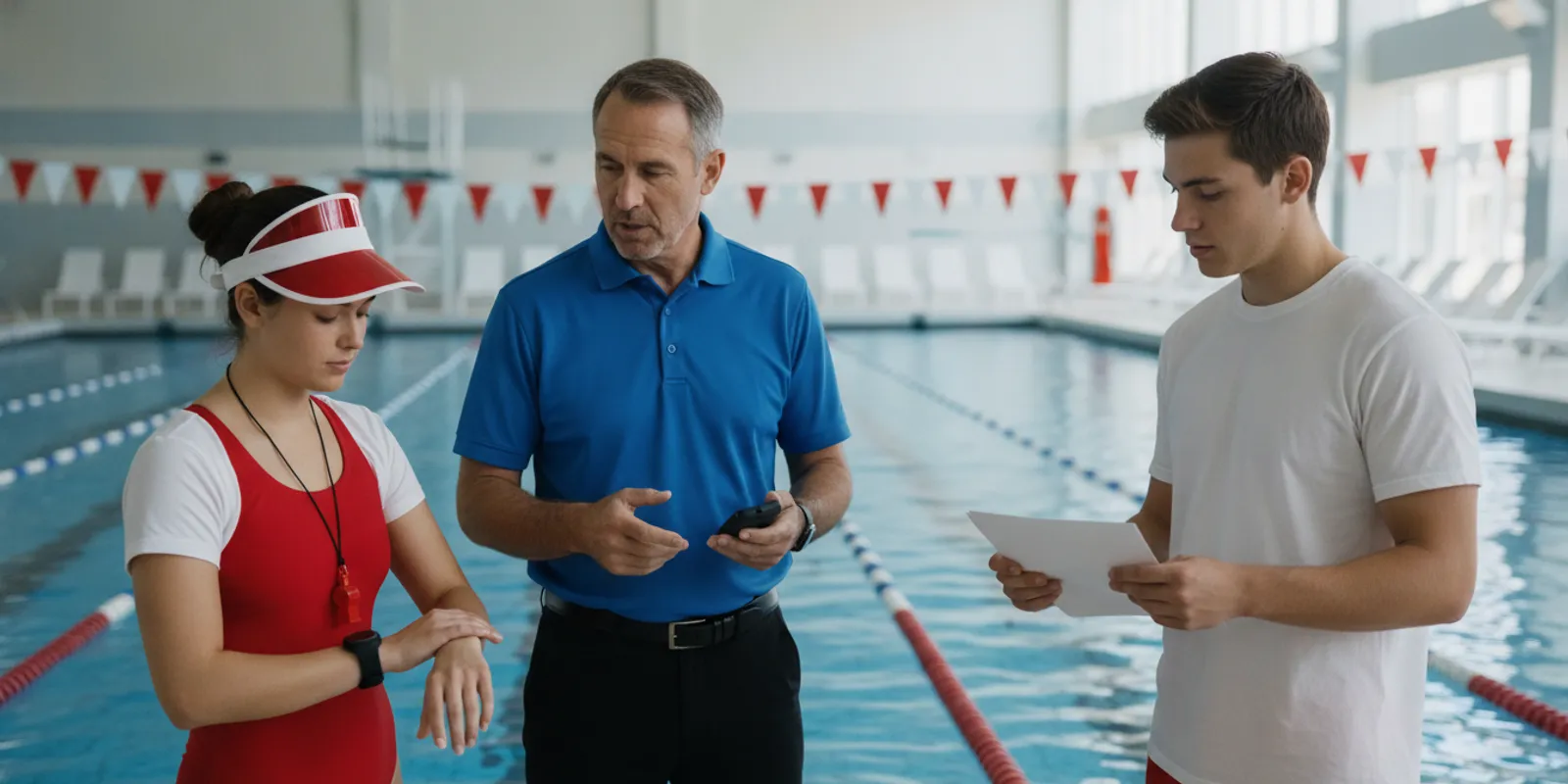
Aquatic facility safety technology shift planning is not just an equipment task. Directors need a clear operating routine for each staffed period, including who checks devices, who receives alerts, and how responsibility transfers when the team changes. A good plan connects technology to the facility’s existing supervision and emergency procedures without asking staff to guess what happens next.
Plan the entire operating day, not only the shift when equipment is introduced. Assign an owner and backup for checks and alerts on every shift, document open issues, and practice the handoff so staff understand how technology supports—not replaces—attentive lifeguard supervision.
What should a shift plan cover?
A shift plan should connect the facility schedule, the people on duty, the devices in use, and the response route. Coverage can change between lessons, open swim, team practice, and evening programs, even when the pool itself stays open. Start with the operation rather than assuming a single checklist will fit every hour.
Draw a simple schedule for a typical day and note each change in staffing, activity, or pool area. Identify which supervisor is accountable during each period, when teams overlap, and how breaks or substitutions affect alert coverage. If operations vary by weekday or season, create a version for each materially different pattern instead of forcing every shift into one generic arrangement.
Next, write down what role the technology has in the facility’s existing safety process. WAVE describes its GUARDian system as an additional layer of protection and a force multiplier for staff. It does not replace lifeguards, scanning, emergency action plans, or professional judgment. Review the GUARDian Hub overview and the facility’s own procedures together so staff can see where the system fits.
- Coverage: Which areas and activities are active on each shift?
- Ownership: Who confirms device readiness and reports a problem?
- Alert route: Who receives an alert, and who leads the next response?
- Continuity: What must the incoming staff know before accepting responsibility?
- Records: Where are checks, exceptions, and follow-up actions logged?
Do not treat an equipment check as proof that the response plan is ready. Confirm that an assigned person is present, understands the route, and can carry out the role while maintaining their other duties. For an overview of system components, compare these needs with WAVE’s How It Works information.
A useful shift plan names the coverage, owner, alert recipient, backup, and record location for each staffed period. Keep the written routine aligned with the facility’s emergency procedures, then validate it with the people who will use it on deck.
How can facilities make device handoffs consistent?
Shift changes are moments when an incomplete detail can travel forward unnoticed. A wearable may be assigned to a different person, a device may need attention, or the incoming team may not know that an alert route has changed. A repeatable handoff brings those details into the open before the next team accepts the work.
Keep the routine short enough to use during an ordinary changeover. One staff member should lead the exchange, while the receiving staff member confirms the essential items aloud or through the facility’s approved record. For multi-zone operations, identify who owns each area and where shared equipment is stored. Avoid relying only on a note that the next team may not see.
- State whether the system is operating as expected and identify open issues.
- Confirm that assigned wearables and alert devices are present and in usable condition under facility and manufacturer instructions.
- Identify who holds or monitors each alert receiver, including the named backup.
- Review active pool areas, program changes, unusual conditions, and temporary staffing adjustments.
- Restate the response lead and the route for notifying that person.
- Record the handoff, exceptions, and the role or person accepting responsibility.
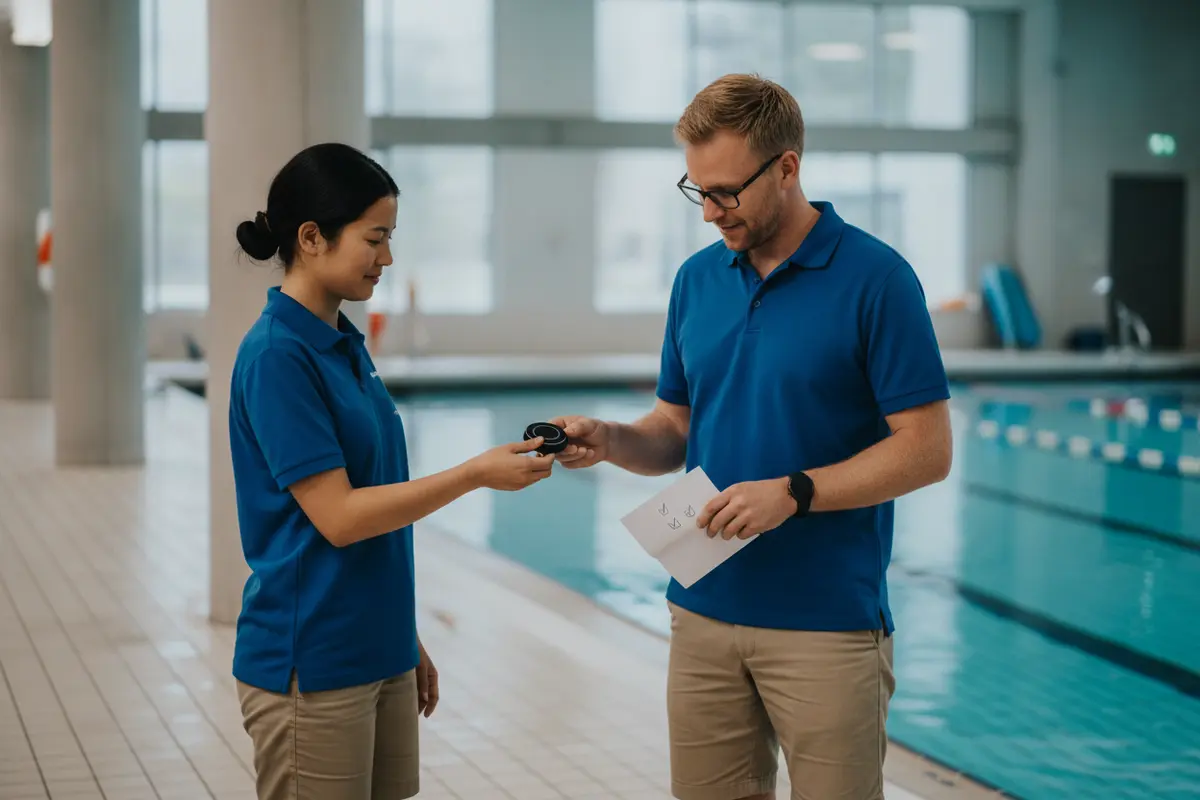
WAVE’s AquaSense swimmer wearable information can help a facility understand the device’s role in its operating routine. WAVE describes the AquaSense wristband as non-tethered and as having a multi-year battery, so it does not require daily recharging. That does not remove the need to follow current instructions or confirm assignment, condition, and operational readiness at the facility’s chosen intervals.
Make the handoff easy to complete by keeping the checklist at the point where staff exchange equipment or responsibility. A supervisor can spot-check a shift change by asking the incoming person to identify the device status, alert recipient, backup, and any unresolved concern without prompting. If the answer is unclear, update the checklist or training before the next handoff.
Use a brief two-way handoff: the outgoing team reports status and exceptions, and the incoming team confirms ownership and next steps. Record issues so they remain visible after the people who first noticed them leave the deck.
Which responsibilities should transfer between shifts?
Technology is useful only when each shift knows who is responsible for its operational tasks. A clear division distinguishes the person doing a check from the supervisor accountable for coverage and follow-up. It also prevents the mistaken assumption that an alert receiver will be monitored simply because it is available.
Use a responsibility matrix as a starting point, then adapt it to the facility’s staffing model and emergency action plan. The exact job titles will differ across a school, YMCA, municipality, camp, or aquatic center. The important point is that every task has an owner, a receiving role, and a route for escalation.
| Planning item | Outgoing shift | Incoming shift | Supervisor continuity |
|---|---|---|---|
| Device status | Report completed checks and known exceptions | Confirm status and accept assigned equipment | Track unresolved maintenance or follow-up |
| Alert recipients | Name who held or monitored each receiver | Confirm recipient and backup for the shift | Check that coverage fits current staffing |
| Pool operations | Share active areas and schedule changes | Review current activities and assignments | Adjust assignments when operations change |
| Response readiness | Report drills, incidents, or pending actions | Confirm escalation route and response lead | Keep the plan aligned with facility procedures |
| Documentation | Log checks and exceptions | Acknowledge open items and receipt | Review records and assign corrective actions |
Align the matrix with the facility’s aquatic emergency action plan. A technology workflow should reinforce the established chain of command, not create a competing one. If an alert path changes, tell every affected team and update the written procedure rather than relying on informal word of mouth.
It can help to define responsibility at three levels. The assigned staff member completes the routine check and reports a discrepancy. The shift lead confirms that the process is covered and makes an immediate adjustment when needed. The facility supervisor reviews patterns, resolves issues that cross shifts, and makes sure training and documentation stay current.
For every shift task, name who performs it, who accepts the handoff, and who follows up on an exception. Keep this responsibility map consistent with the facility’s existing emergency roles and supervisory structure.
How should alert routes and response roles be checked?
Staff should be able to explain an alert route in plain language: what prompts an alert, who receives it, how the response lead is notified, and what the next step is under facility procedure. That explanation should remain accurate during breaks, shift overlap, and staffing substitutions. A route that depends on one unavailable person is not a complete shift plan.
Document a primary recipient and a backup for each operating period. Then walk through the route using the actual devices and communication methods that the facility intends to use. The purpose is to find unclear ownership or missed handoffs, not to make claims about detection in every situation or guarantee an outcome.
- Identify the person assigned to receive or monitor alerts during the shift.
- Specify how that person contacts the response lead using the facility’s approved method.
- Define a backup if the primary recipient is occupied, away, or unavailable.
- Clarify how staff acknowledge receipt without compromising their other responsibilities.
- Record the test, any confusion, and the correction or follow-up owner.
WAVE’s lifeguard equipment information describes equipment intended to support staff coordination. Map the current product details to the facility’s own radio, whistle, phone, or alert process. The aim is one understandable workflow—not a separate technology procedure that staff cannot recall under pressure.
Use scenarios that reflect the actual schedule. For example, consider a lesson ending as open swim begins, with one staff member leaving and another arriving. Ask who receives alerts during the overlap, who takes responsibility when the outgoing person departs, and how the response lead learns about a coverage change. Repeat the walk-through for breaks or a temporary move to another pool area.
CDC publishes water-safety information for the public and organizations. Facility leaders can consult the Centers for Disease Control and Prevention as one source of broader water-safety guidance, while following their own written emergency procedures and applicable local requirements. This article is an operational planning aid, not a substitute for facility-specific safety or legal review.
Test the complete route, including the backup and the handoff between shifts. A successful check means staff can explain their own next step and know how to raise a problem; it does not establish that every scenario is covered.
What training helps staff use the system across a full day?
Training needs to cover routine use as well as transitions between teams. New staff should understand their assigned role before taking it, and returning staff need a refresher when equipment, procedures, pool layouts, or schedules change. A sign-in sheet alone does not show whether staff can follow the process.
Build training around tasks employees actually perform. Explain the purpose and limits of the technology, how to assign and check equipment, what an alert looks or feels like, how to acknowledge it, and whom to contact. Then practice a handoff and alert scenario with the workers who cover each relevant shift pattern.
- Introduce how the system supports—not replaces—supervision and the facility’s emergency plan.
- Demonstrate device assignment, basic checks, and the process for reporting an issue.
- Walk through alert recipients, the response lead, the backup route, and required communication.
- Practice a shift change that includes an unresolved issue or a staff substitution.
- Ask participants to explain their next action in their own words and correct uncertainty.
- Record training completion and set a refresher when a material change occurs.
Use more than one scenario. A routine opening check helps staff learn the baseline, but a shift-change scenario tests whether information carries across teams. A break-coverage scenario checks whether the named receiver and backup are still available. A changed activity or zone scenario helps supervisors see whether the plan reflects real operations rather than the original schedule.
Facilities can use WAVE’s service agreement and technology checklist as a prompt for vendor and operational questions. Keep employee instruction focused on facility-approved procedures and the actual equipment in use. Do not promise a response time unless the facility has verified its own staffing, communications, and operational assumptions.
Training records should show the date, material covered, participants, and any follow-up needed. When someone cannot explain a role, provide clarification and practice before relying on that person to perform it. If the process changes, make the new version available to every shift and remove or clearly retire outdated copies.
Train for the handoff and the exception, not only for routine device use. Ask staff to demonstrate their role, record completion, and repeat practice after a change to equipment or procedure.
How do facilities keep records useful between shifts?
Records help prevent an issue from disappearing when the people who noticed it leave work. A useful log is factual, dated, and tied to a role or responsible person. It should capture routine checks without becoming a separate paperwork process that staff cannot maintain.
Decide where each kind of information belongs before the program begins. The facility may use an existing operations log, a designated technology record, or another approved system. Whatever format is selected, incoming staff and supervisors need to know where to find open issues and how to record the action taken.
- Device checks and the shift or role completing them.
- Missing, damaged, or unavailable equipment and any temporary adjustment.
- Alert-route checks, including a problem found and its correction.
- Training completion and refresher needs.
- Follow-up actions, the assigned owner, and whether the issue remains open.
Keep entries concise and specific. “Device problem” does not tell the next shift what to do. A more useful entry states which device or process is affected, when it was noticed, whom the supervisor notified, and whether the matter remains open. Follow the facility’s policies for record access, retention, and privacy, as well as applicable requirements.
Review records on a defined schedule. Look for recurring confusion about ownership, repeated equipment issues, handoffs that omit the same detail, or shifts where the backup is not identified. Assign a corrective action to a named role and set a review point. WAVE’s pool safety equipment support plan is a related resource for considering ongoing support alongside equipment selection.
A simple weekly review can ask three questions: What issue appeared more than once? Which handoff detail was missing or unclear? What change will be tested before the next review? This makes documentation useful for improving the routine rather than merely proving that a form was completed.
Record what happened, who owns the next step, and whether the issue is resolved. Regularly review patterns across shifts and use them to improve the checklist, assignments, or refresher training.
What should a facility compare before rollout?
Before adopting or expanding technology, compare its fit with the facility’s real operating conditions rather than relying only on a feature list. Directors need to understand how devices are assigned, how alerts reach staff, what routine checks apply, and how new employees will be trained. Confirm current specifications and terms with the provider because product details can change.
Use a cross-functional review with the people who will own daily operations. Include aquatics leadership, supervisors, the staff responsible for shift records, and anyone who manages purchasing or technology support. Ask each group to describe what it needs from a handoff and where the plan could fail during a busy period.
- Can staff explain the alert, primary recipient, backup, and next step?
- Does the planned setup fit the facility’s zones and changing schedule?
- Which maintenance, storage, assignment, or charging tasks apply to the selected equipment?
- What onboarding and refresher training will support new and returning staff?
- How will supervisors learn about system status and unresolved issues?
- Which tasks belong to the facility, and what support is available from the provider?
WAVE describes its approach as wearable and wireless, working in clear and dark or murky water, and deploying without permanent construction. Facilities should still validate suitability for their own environment, workflows, and procedures. Review the WAVE FAQ, current pricing information, and Swimmer Protection Bundle details when comparing options.
For a practical readiness check, run a tabletop walk-through before rollout. Give participants a schedule with a shift change, an unavailable receiver, and a staffing substitution. Ask them to identify the owner, the backup, the supervisor to notify, and where they will record the issue. If the group cannot answer consistently, adjust the workflow and test it again before treating the plan as ready.
Leaders can also consult the grants and funding information when assessing funding options, and contact WAVE with product or planning questions. Keep the decision grounded in current details and the facility’s own operational review, rather than assuming that one system or checklist fits every site.
Compare equipment, staffing, handoff demands, and ongoing support as one operating decision. A rollout is better prepared when each affected shift can demonstrate the process and supervisors know how exceptions will be handled.
Frequently Asked Questions
Should every shift have a designated technology lead?
Yes. Name a person responsible for the assigned checks and alert workflow on every shift, and identify a backup. Define the role in a way that supports the facility’s supervision and emergency plan rather than displacing lifeguard responsibilities.
How often should wearable devices be checked?
Set the interval in the facility’s written procedure and follow the manufacturer’s current instructions. Include checks when equipment is assigned and when responsibility changes, and record exceptions so the incoming team knows what remains unresolved.
Does a multi-year battery mean staff can skip checks?
No. A multi-year battery and no daily recharging do not remove the need to confirm that equipment is present, assigned, in usable condition, and included in the facility’s operating routine.
Can safety technology replace lifeguards?
No. WAVE positions its technology as an additional layer of protection that supports lifeguards. Facilities should maintain appropriate supervision, training, and emergency procedures.
What should happen if an alert device or route is unavailable?
Follow the facility’s documented contingency procedure, notify the supervisor, and record the issue and corrective action. Reassess assignments and operational readiness under facility policy rather than treating an unavailable component as active coverage.
How can a director tell whether a handoff plan works?
Observe a normal shift change and run a short scenario. Ask incoming staff to name the alert recipient, backup, response lead, device status, and open issue without prompting. Update the checklist or training wherever people hesitate or information is missed.
Make the routine workable on every shift
A dependable shift plan gives each team a clear way to check equipment, route alerts, transfer responsibility, and document exceptions. Start with the facility’s actual schedule, test the workflow with staff, and revise it when operations change. Technology can add another layer of protection, while attentive supervision and practiced response procedures remain central.
