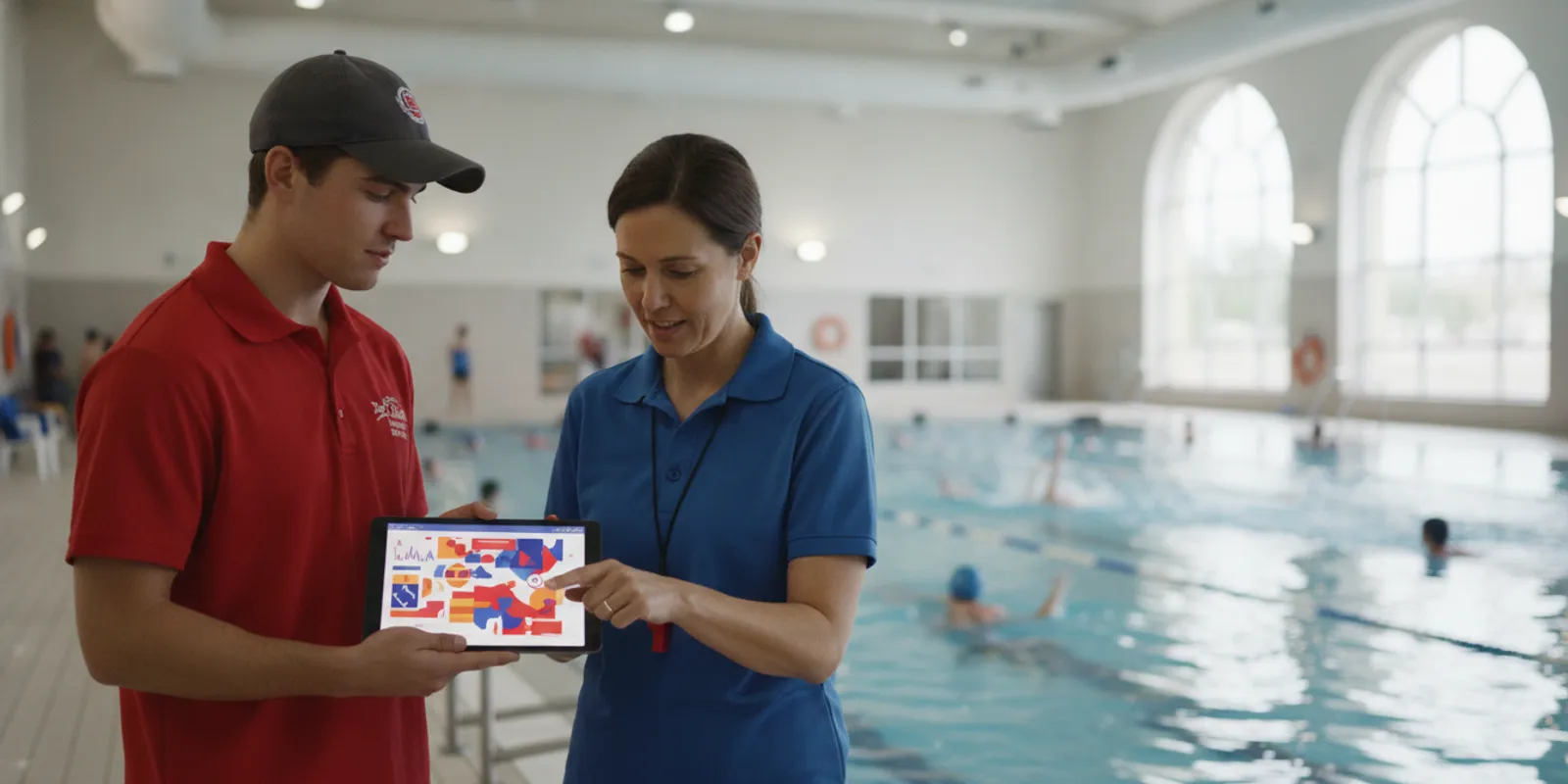
An aquatics director evaluating a facility alert system needs more than a feature list. The key questions are what conditions the system detects, what information an alert provides, how it reaches staff, and what happens next. A careful review connects each data point to a defined role and a facility procedure.
The goal is not to collect the most data. It is to determine whether the information is timely, understandable, and useful to the people responsible for responding. Alert technology can support lifeguards and add another layer of protection, but it does not replace active supervision, staff training, or an emergency action plan.
Which alert data should an aquatics director ask about?
A useful evaluation starts by tracing a signal from its trigger through notification and later review. Directors should separate information generated by the system from details that staff must observe or document. That distinction keeps an event log from being mistaken for a complete account of a facility’s response.
An aquatics director should ask what condition triggers an alert, when the system detects and sends it, who receives it, and what record remains afterward. Then ask what is not measured or captured, so the team can decide which observations and actions belong in separate facility records.
Ask the provider to demonstrate the complete alert lifecycle in plain language. Request a walk-through with a representative scenario and have the presenter identify each timestamp, status indicator, and user action. A feature name alone does not explain how a signal is created, how it appears to a responder, or how the facility can confirm that the workflow worked.
- Trigger: What specific event or condition produces an alert? Establish whether the system is intended to detect prolonged submersion, lifeguard water entry, or another defined event. Ask about conditions that fall outside its scope.
- Time markers: Can staff distinguish detection time, notification time, acknowledgement time, and any later escalation? Ask how clocks are set and how timestamps display to users.
- Delivery: Which staff roles receive notifications, through what devices or facility signals, and what happens if a recipient does not acknowledge an alert?
- Status: Can the team see connectivity or equipment issues? Ask how a low battery, disconnected component, or interruption is surfaced and who receives a fault notice.
- Event record: What information remains available after an alert? Clarify retention, export options, account permissions, and who may review records.
- Context: Does the record identify an area, shift, device, or other useful detail? Confirm exactly what is included rather than assuming the system captures it.
Have the provider show an alert arriving, a staff member acknowledging it, and a supervisor reviewing the event record. Ask what the facility should do if one stage fails. This simple test often uncovers practical questions that a product sheet cannot answer. WAVE describes its wearable system and staff alert workflow on its GUARDian Hub information page; directors should confirm the details for the proposed setup.
How can facility teams make alerts actionable?
An alert becomes operationally useful when staff know who responds, who maintains coverage, and how the situation is escalated. Assign responsibilities for normal shifts as well as breaks, lessons, opening, closing, and busy periods. The workflow should remain clear when the usual supervisor is away or a team member is already occupied.
Before implementation, map the alert path to the facility’s staffing plan. Name the first recipient, backup responder, supervisor, and person responsible for maintaining pool coverage. Write down what each role does next, then ask staff to explain the steps back in their own words.
Start with the facility’s existing response procedures, not with assumptions about what a device should make staff do. For each alert type, specify what the recipient sees, what immediate action is required under facility policy, whom to notify, and how actions are recorded. If two people believe the other owns the next step, the procedure needs another revision.
A short tabletop exercise can help test the workflow before equipment is used in normal operation. Give staff a scenario, such as an alert arriving while a guard is covering a different zone. Ask them to explain how they would acknowledge it, who maintains supervision, who takes the next action, and when the supervisor is notified. Note disagreements without treating the exercise as a performance test.
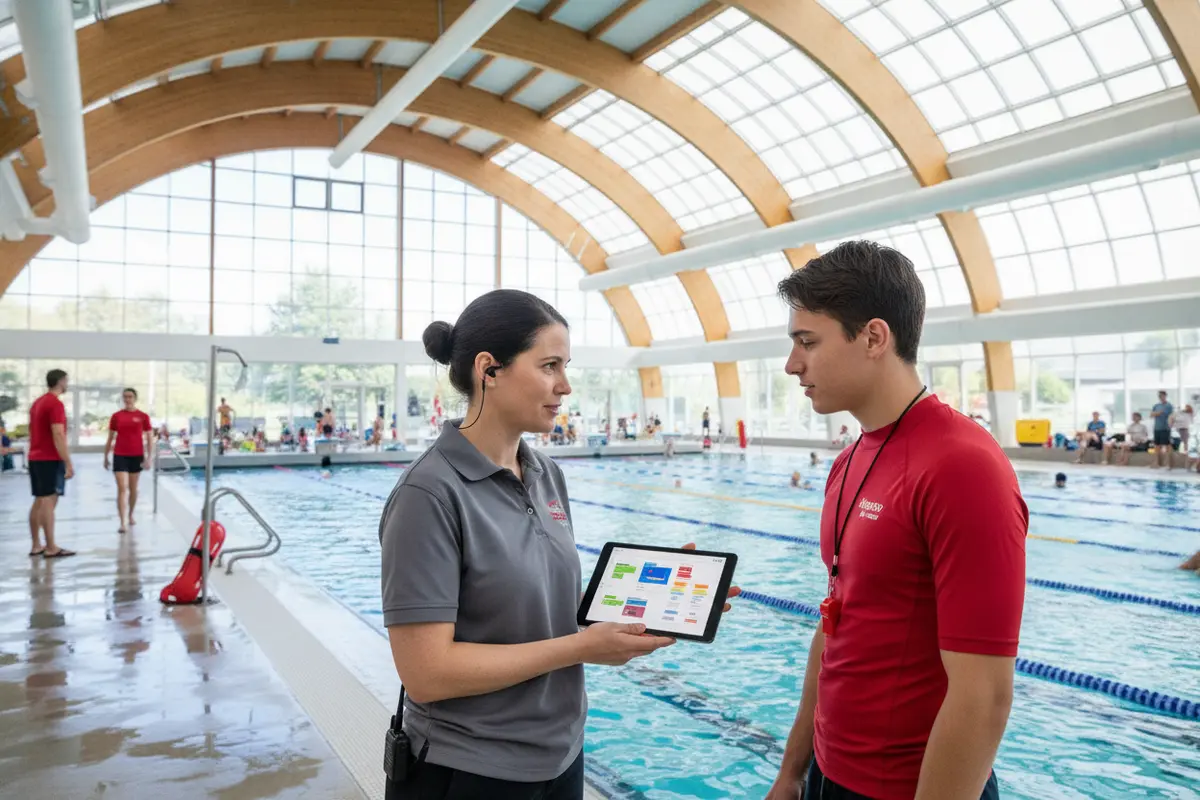
WAVE’s approved position is that its technology supports lifeguards and adds another layer of protection. Its system uses wearable sensors designed to detect prolonged submersion or lifeguard water entry and can alert staff through vibrating bracelets and facility alerts. Review the lifeguard alert equipment and ask which devices, functions, and notifications are included in the configuration being considered.
Turn the response plan into a shift-ready sequence. For example, identify who carries or receives the alert device, who is the backup if that person is responding elsewhere, how coverage is maintained while the alert is checked, who decides whether the emergency action plan applies, and where actions are documented. Keep the instructions concise enough to consult quickly, while retaining the detail needed for onboarding and practice.
When roles are unclear, ask each staff member to describe a handoff independently. If one person expects the supervisor to take over and another expects the alert recipient to continue, revise the written workflow. Facilities may also use WAVE’s aquatic emergency action plan guide as a prompt for internal discussion, while tailoring the actual procedures to their own site and governing requirements.
What should the system record, and what remains a staff responsibility?
System records can offer useful information about alerts and equipment status, but they do not establish everything that happened. A timestamp may show when a device generated a notification, but it might not show who responded, whether coverage continued, or what staff observed. Keep system events distinct from staff accounts, facility incident records, and follow-up notes.
Use a system log as one part of the event record, not as a substitute for facility documentation. Ask what the system can verify, what requires a staff account, who is permitted to review the information, and how the facility’s established reporting policy applies.
During a provider review, ask whether authorized users can sort events by date and time, distinguish alerts from equipment-health messages, export records, or add notes. Confirm what happens to records during a connectivity interruption and whether the facility can identify missing information. Establish how accounts are created, updated, and removed when roles change.
A practical post-event or exercise review can follow the same steps every time:
- Compare the system timeline with staff accounts and facility documentation.
- Check whether notification delivery and acknowledgement followed the expected path.
- Identify unclear roles, training needs, equipment concerns, or missing context.
- Assign an owner and a date for each corrective action.
- Record the review using the facility’s established procedures and access controls.
Avoid drawing conclusions from one timestamp without understanding how the device defines it. A recorded notification time, for example, does not necessarily tell the reviewer when a staff member saw it or what happened before and afterward. A sound review uses the technical event record alongside operational context and people’s accounts.
Privacy and access questions belong in the evaluation, too. Ask who can view records, whether accounts can be limited by role, what happens when an employee leaves, and how long information remains available. Check the answers against the facility’s own policies instead of assuming that a product’s default settings meet every organizational requirement. The WAVE privacy policy is one place to review the company’s published privacy information; facility leaders should also assess their own obligations.
How should directors compare alert and monitoring options?
Compare systems against the facility’s water, layout, staffing, and operating needs rather than broad claims alone. Wearable and camera-based approaches use different inputs and can create different deployment, environmental, and maintenance questions. Ask each provider to explain how the proposed system fits the actual conditions where staff will use it.
A fair comparison uses the same questions for every option: what is detected, what the facility must provide, how alerts reach staff, what can be reviewed later, and what limitations apply. Demonstrations should reflect the site’s routine and include an equipment or notification problem.
Begin with a site profile. Record the type of water setting, pool layout, visibility, lighting, operating schedule, staffing pattern, and any areas where an alert must reach a responder. Identify who will distribute or check devices, handle routine maintenance, and contact support. This helps distinguish a system that fits the operation from one that merely has an appealing feature list.
| Evaluation area | Wearable approach | Camera-based approach | Question for the facility |
|---|---|---|---|
| Input | Wearable sensor signals and configured alerts | Visual information processed by cameras and software | What condition is detected, and what are the limits? |
| Preparation | Device distribution and staff routines | Camera placement and installation planning | What work must be completed before use? |
| Environment | Confirm operation in the facility’s water and conditions | Confirm visibility and lighting for planned views | Can the provider demonstrate fit in this setting? |
| Daily operation | Plan handling, fit, and equipment-status checks | Plan camera upkeep and coverage checks | Who owns routine checks and fault escalation? |
| Response | Confirm who receives and acknowledges alerts | Confirm how detections reach responders | How does notification fit the response plan? |
The table is a starting point, not a verdict about every product. Ask providers to describe limitations in writing and show how environmental conditions, staff routines, and equipment status affect operation. WAVE describes a wireless wearable approach that can work in clear and dark or murky water and deploy without permanent construction; confirm that the specific system and configuration fit the site under consideration.
For swimmer monitoring, ask how wearables are assigned, checked, and returned. WAVE’s AquaSense wristband is described as non-tethered and designed with a multi-year battery, without daily recharging. Review the swimmer equipment information and confirm current specifications, user routines, and maintenance expectations with the provider. Do not assume a stated design feature eliminates daily checks required by facility procedures.
Cost comparison should include the service period, what equipment is included, support, warranty, and any additional components or operational work. The WAVE pricing page can frame a budget discussion, but directors should confirm current terms directly and compare equivalent configurations. A monthly figure by itself does not reveal whether two proposals cover the same equipment, training, or service responsibilities.
How can an aquatics director test whether alerts fit the facility?
A controlled exercise can expose unclear handoffs before staff encounter an actual event. Practice alert recognition, acknowledgement, coverage, escalation, and record review without creating hazards or distracting staff from supervision. Use the exercise to find gaps in the workflow, not to imply that a successful practice guarantees a particular outcome.
Test the whole chain: who notices the alert, who takes the next step, how coverage is maintained, how a fault is reported, and what is reviewed afterward. Document gaps with a named owner and follow-up date, then repeat the exercise when equipment or procedures change.
Coordinate practice with the supervisor responsible for normal operations. A tabletop walk-through can test roles without activating equipment; a device demonstration should be planned so ordinary safeguards stay in place. Tell participants what is being tested, ensure that swimmers remain under normal supervision, and stop the exercise if it interferes with facility operations.
- Map the shift. List roles by time of day, including lessons, breaks, busy sessions, opening, and closing.
- Walk through an alert. Ask participants what they see, how they acknowledge it, and whom they notify.
- Check the handoff. Confirm that the responder and the person maintaining coverage understand their separate responsibilities.
- Discuss an unavailable device. Ask what staff do if a wearable, hub, connection, or notification device cannot be used.
- Review the record. Confirm what a supervisor can see afterward and what the facility documents elsewhere.
- Assign follow-up. Record the gap, owner, and review date; revise instructions and practice again if needed.
For example, a shift-change exercise might reveal that an outgoing responder assumes the incoming guard has accepted an alert device, while the incoming guard assumes a supervisor has checked it. The solution is not simply to tell everyone to be careful. Write down who transfers the device, how acceptance is confirmed, what happens when a device is unavailable, and who takes responsibility until the handoff is complete.
Record the exercise date, participants, scenario, observations, and follow-up owner. Revisit the workflow when staffing, equipment, layout, or procedures change. The WAVE support information and service guide can help directors formulate questions about service and escalation; the facility should document its own contingency steps and contacts.
What should a director ask before choosing a system?
A selection process is strongest when every provider answers the same operational questions. Request specific descriptions instead of general assurances, and mark any unresolved item that must be addressed before deployment. Bring staff who will use or maintain the system into the review so the decision accounts for real shift routines.
Before choosing, verify the trigger, notification path, equipment needs, training, record access, fault handling, and service terms. Ask to see ordinary operation and a limitation scenario. Then check that the facility can support the required workflow with its own staff and procedures.
Use a shared checklist for proposals and demonstrations. This makes differences easier to discuss and prevents an attractive feature from overshadowing an unanswered operational question. Keep the provider’s written response alongside the facility’s requirements so the decision can be explained to supervisors and leadership.
- What exact conditions generate an alert, and which events are outside the system’s scope?
- Which roles receive notifications, on which devices, and how is acknowledgement shown?
- What equipment, connectivity, and routine checks must the facility provide?
- What onboarding or practice is available, and how will substitute or new staff learn the workflow?
- Which records can supervisors review, for how long, and under what account permissions?
- What happens when a device or part of the notification path is unavailable?
- How does the system fit the facility’s emergency action plan and incident-record process?
- What are the service term, included equipment, warranty, support, and renewal conditions?
During a demonstration, request a representative alert, notification delivery, acknowledgement, system-status view, and supervisor event review. Include a fault scenario and ask staff to explain how they would follow facility procedures. WAVE presents its technology as a force multiplier for supervised aquatic environments, not a replacement for lifeguards; the facility remains responsible for supervision, training, and response decisions. For a broader overview of available equipment, compare the relevant options on the WAVE products page and verify current details with the company.
Directors may also find it useful to review WAVE’s demonstration checklist and overview of swimmer monitoring before a vendor meeting. These resources can help organize questions; they do not replace a site-specific evaluation or the facility’s own safety procedures.
Frequently Asked Questions
These questions address practical choices that often come up during a facility evaluation. The answers are starting points for discussion, not replacements for written operating procedures. Confirm technical details with the provider and apply the facility’s own policies and governing requirements.
Prioritize information that helps staff understand what triggered an alert, where it went, whether it was acknowledged, and what the system can show afterward. Then define the human actions and records needed to complete the picture.
What alert data should an aquatics director prioritize?
Start with trigger conditions, timestamps, delivery and acknowledgement, system health, event records, and access controls. Confirm which details are not captured and must be documented by staff.
Can an alert system replace lifeguard supervision?
No. Alert technology can support lifeguards and add another layer of protection, but facilities still need active supervision, trained staff, and established response procedures.
What should staff do when a device is unavailable?
Follow the facility’s documented contingency procedure, notify the designated supervisor, and use the established supervision and emergency plan. Ask the provider how faults are surfaced and recorded.
How often should alert workflows be reviewed?
Review workflows during onboarding and practice, and when equipment, layout, staffing, or procedures change. Set a regular review schedule that fits facility operations.
Do system records replace incident reports?
No. System records may contribute alert or timing details, but they do not replace facility incident documentation, staff accounts, or required reporting processes.
What should a provider demonstration include?
Ask to see a representative alert, notification delivery, acknowledgement, system status, and supervisor event review. Discuss limitations and include an unavailable-device scenario.
Where can directors find general drowning-prevention information?
For current public-health information and resources, consult the Centers for Disease Control and Prevention. Use authoritative guidance alongside applicable local requirements and the facility’s own procedures.
An aquatics director can make a stronger decision by evaluating alert data alongside staff roles, system limits, and written response procedures. A careful fit review helps technology support the facility’s safety practices without standing in for them.
